

How to Merge Excel and CSV Files with AI at Month-End
Excel and CSV, Data cleaning, Order deduplication
When finance asks for the month's sales, a folder with 100 exports presents two questions. Did every file make it into the total? Did a revised export bring in an order twice? Give DataForest both questions when you attach the folder. A clean order table answers the sales question, and a file audit lets you explain how you got there.
Define the order key before merging Excel and CSV files
This example uses simulated sales records in 25 Excel, 25 CSV, 25 TSV and 25 JSON files. Each order should appear once in the final table. If your exports contain several legitimate lines per order, give the agent an order-line key instead. Otherwise two different products on one order could be collapsed into a single sale.

Keep copies and revisions in the input inventory so each file can be accounted for.
In DataForest Desktop, start a New task, choose a project and use Select files or folders to attach the sales folder. Give the agent an example of two headers that mean the same thing. Here Chris used order_no and Nina used Reference. Keep IDs as text if leading zeros identify different orders. Download DataForest
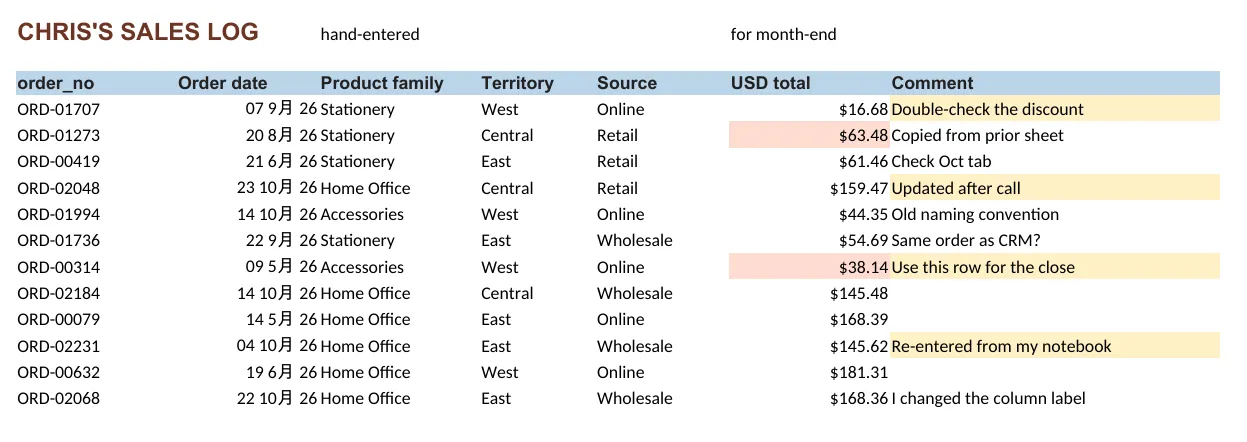
Chris's export has a discount note beside the sales amount. A note like this is worth keeping when two copies disagree.
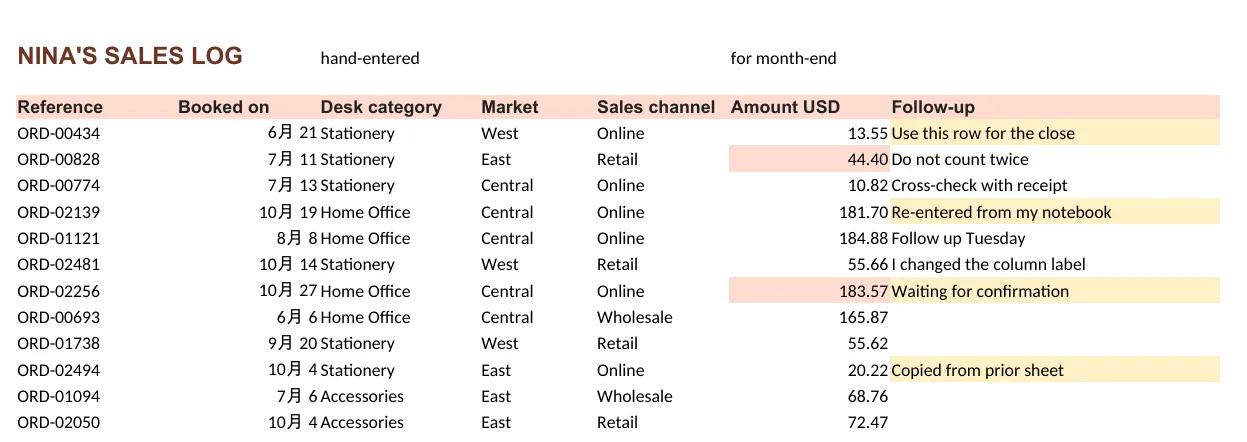
Nina calls the order ID “Reference” and the sales date “Booked on.”
Ask for the clean table and the evidence behind it
The short request used in the example was “Merge all 100 sales files. Standardize columns and formats, dedupe by order ID, and export sales_clean.xlsx with a file audit.” For a close where amounts matter, add your rule for conflicting copies. Adapt this version to your folder.
Combine the attached sales exports into one row per order ID. Map order_no and Reference to order ID. Normalize dates and amounts and keep the source filename. Count identical copies once. If two copies of an ID disagree on amount or currency, put both versions in a review table and keep their amounts out of the confirmed total until I decide. Give me the cleaned orders, duplicate log and an audit with input rows per file. Show how the counts reconcile.
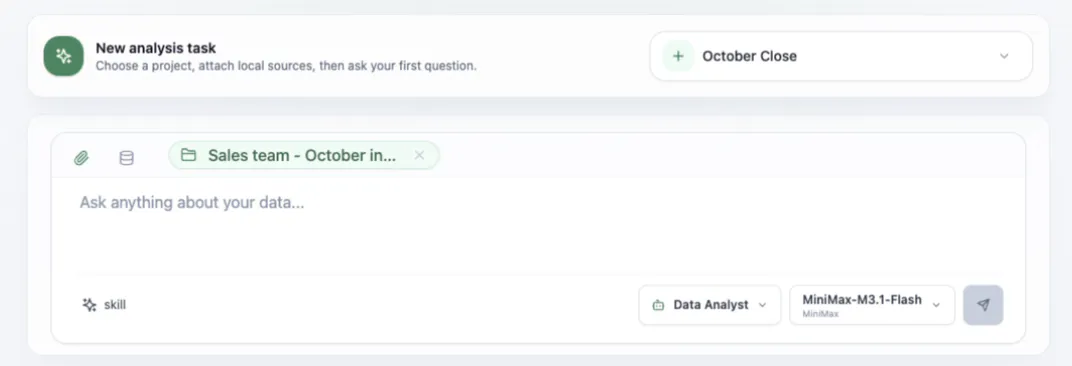
The original request names the output, the duplicate key and the file audit. The longer example also tells the analyst when to ask for a decision.
Use the exceptions to finish the close
Open Deliverables and start with the audit. A file with zero accepted rows may be a copy of another export or may have a different header. Ask about that file by name. When two sources disagree, give the agent the business rule that settles the difference. For example, if finance has confirmed which export is authoritative, continue in the same task with this request.
For order [ID], use the amount in [approved filename]. Keep both source values in the duplicate log and label the retained value. Recalculate the confirmed total and show its change from the previous version. Apply this decision only to this order.

The saved CSVs let you trace a decision from an order back to its source file.
In the worked example the audit covered all 100 files. The reconciliation was 2,564 input rows − 64 repeated rows = 2,500 distinct orders. Net sales summed to $197,821.96. Check the final count and amount together. A deduplication rule can produce the expected number of IDs while retaining the wrong amount on an individual order.
The agent supplied the clean CSV and the file audit. The workbook pictured below was assembled from those outputs and checked separately. If finance needs the result as Excel, you can continue from the verified CSVs in the same task.
Use the saved clean CSV and file audit to create sales_clean.xlsx with Sales Data and File Audit sheets. Reopen the workbook and report its unique order count and net sales so I can compare them with the CSV.
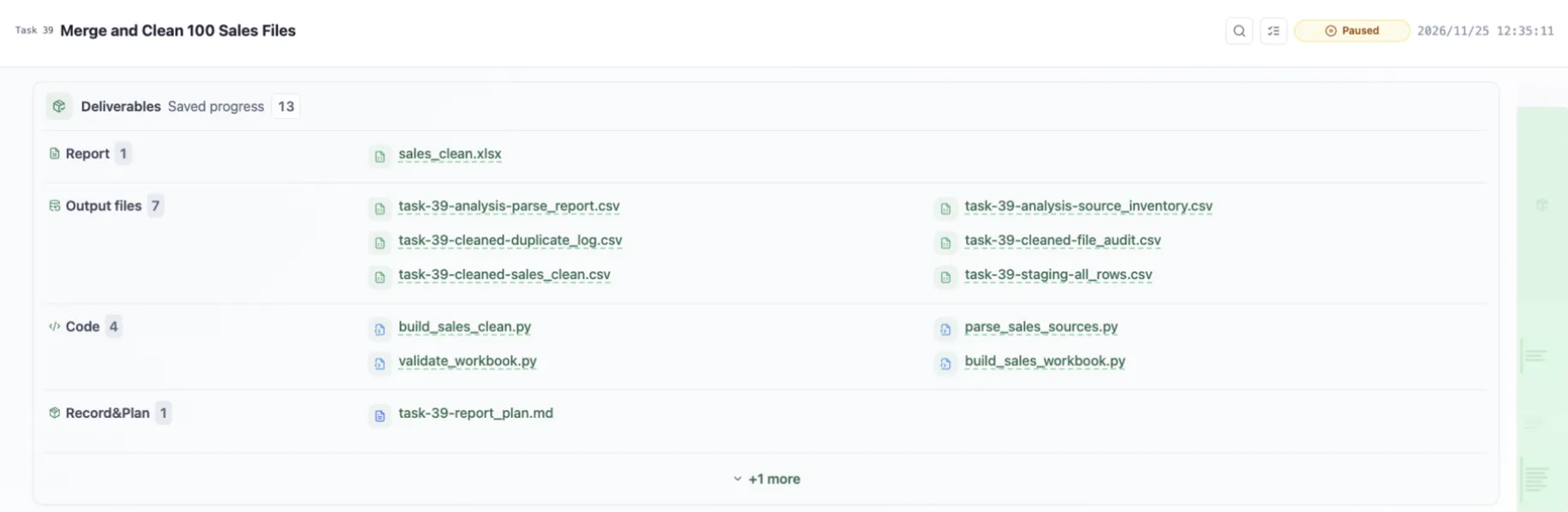
Use the order count and sales amount to verify the workbook handed to finance.
The clean CSV and file audit were saved 7 minutes 9 seconds after submission. Workbook assembly and review followed. The original 8–10 hours was a planning estimate for manual preparation and reconciliation. What you can delegate here is opening the 100 files, mapping headers and finding repeated IDs. You can spend the close deciding which disputed values belong in the total. Once that total is signed off, the same workbook can support a product-line review. Build a sales dashboard from the checked workbook